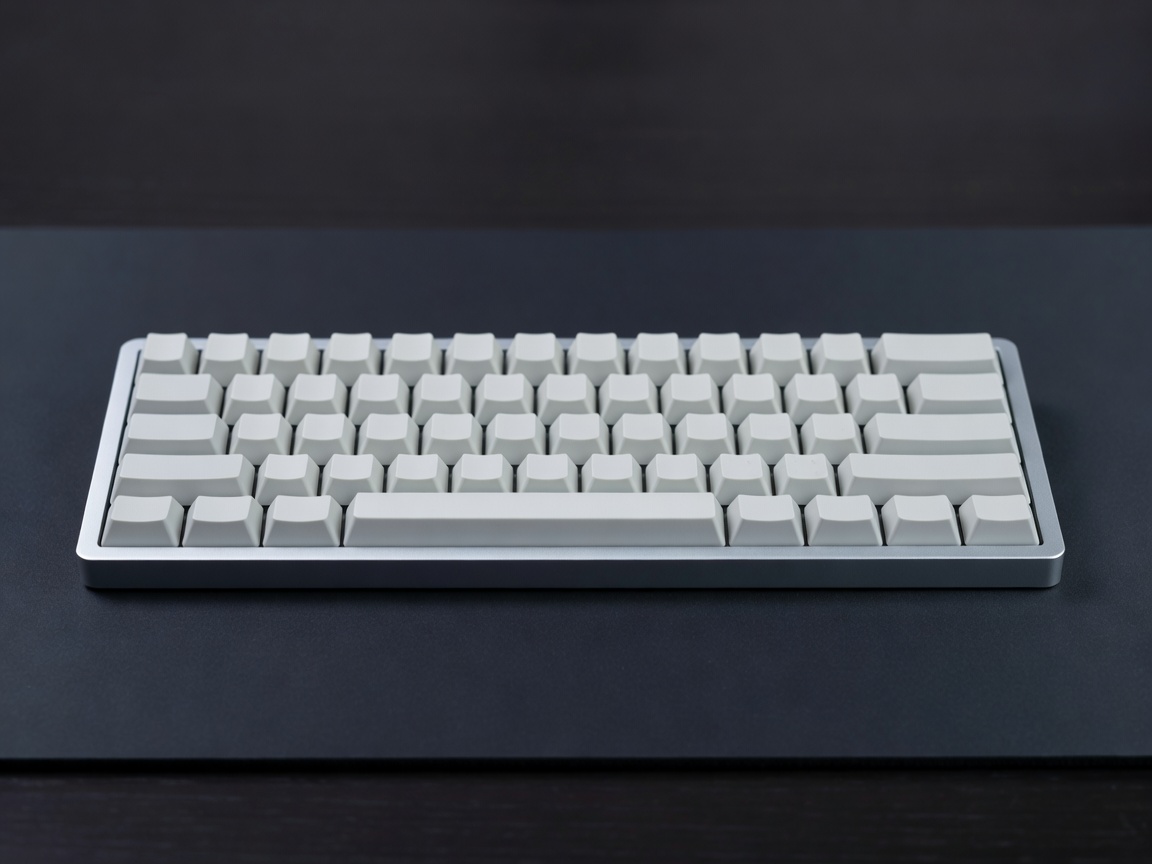
The Return to Tactility
For over a decade, laptop manufacturers engaged in a race to the bottom, pushing membrane and butterfly switch keyboards to be as thin as physically possible. The result was a generation of typists suffering from shallow travel, mushy feedback, and repetitive strain injuries. The backlash has fueled an incredible resurgence of mechanical keyboards—input devices that utilize individual physical switches under every single key.
Now, the mechanical keyboard market has evolved past bulky, wired gamer aesthetics. Modern wireless mechanical keyboards blend the profound tactile satisfaction of physical switches with minimalist designs, multi-device connectivity, and battery lives that stretch for weeks. They are essential tools for programmers, writers, and power users who view typing as an experience rather than a chore.
The Anatomy of a Switch
The defining characteristic of a mechanical keyboard is the switch mechanism. While membrane keyboards register keystrokes by pushing a rubber dome onto a circuit board, mechanical switches actuate via physical metal contacts and springs. They are broadly categorized into three families:
- Linear: Smooth travel from top to bottom with no tactile bump. Preferred by gamers for rapid keystrokes and office workers who want quiet operation.
- Tactile: Features a distinct physical bump midway through the keystroke, letting the typist know exactly when the key has actuated without bottoming out. Highly recommended for touch typing.
- Clicky: Adds an audible clicking sound to the tactile bump, mimicking a vintage typewriter. Excellent feedback, but socially unacceptable in a shared office environment.
Key Features to Consider
Choosing the right board involves balancing layout, connectivity, and customization:
- Form Factor (Layout): Full-size (100%) includes a number pad. Tenkeyless (TKL / 80%) drops the number pad for better mouse ergonomics. Compact (75% or 65%) eliminates empty space and clusters arrow keys, while Ultra-compact (60%) removes function rows entirely, relying on layered keystrokes.
- Wireless Protocols: Bluetooth is sufficient for typing and allows easy swapping between a PC, Mac, and tablet. However, a 2.4GHz wireless dongle is necessary to eliminate latency and dropped inputs during fast-paced computing or gaming.
- Keycap Materials: ABS plastic is smooth and shows shine over time due to finger oils. PBT plastic is textured, thicker, and highly resistant to shine and wear, resulting in a deeper sound profile.
- Acoustic Treatment: Premium boards include sound-dampening foam between the plate and PCB to eliminate metallic pinging and hollow echoes, providing a deep, muted "thock" sound.
Pros and Cons of Adoption
The pros of moving to a mechanical board are profound: improved typing accuracy, reduced finger fatigue due to customized spring weights, extreme durability (often rated for 50 million keystrokes per key), and immense repairability. If a single key breaks, you replace a $1 switch, not the whole keyboard.
The cons are mostly related to bulk and complexity. Mechanical keyboards are thick, often requiring a wrist rest for proper ergonomics, which limits their portability compared to low-profile membrane boards. Furthermore, the sheer volume of customization options—switches, keycaps, stabilizers, lubricants—can overwhelm newcomers.
Pricing Expectations
The mechanical keyboard hobby scales dramatically based on customization:
| Tier | Price Range | What to Expect |
|---|---|---|
| Pre-built Entry | $70 – $100 | Plastic cases, soldered switches, basic Bluetooth, thin ABS keycaps. |
| Enthusiast Pre-built | $120 – $200 | Hot-swappable sockets, thick PBT keycaps, sound-dampening foam, multi-device wireless. |
| Custom DIY Kits | $300 – $600+ | Heavy CNC-machined aluminum cases, gasket mounts, brass plates, requires self-assembly. |
Final Verdict
If you type for a living, a membrane keyboard is a false economy. An enthusiast-grade wireless mechanical keyboard in the $150 range offers a massive quality-of-life improvement, transforming a mandatory daily task into a tactile, satisfying rhythm.